
MY SET_UP
The full rig — flight sim controls, streaming gear, and gaming PC. Everything I actually use in the Verse and behind the camera.

Joystick Configurations
There's no single right answer for Star Citizen controls. Here's how I'd break it down by budget and playstyle.
The Value King
The VKB NXT EVOs punch well above their... weight class. If you're new to HOSAS in Star Citizen, this is where I'd start.
Recommended Accessories


Precision Mastery
Heavier, more precise, fully metal where it counts. The setup you go for if you've got a little more to spend and want something a step more premium.


Tactile Reality
For now, flying with the AB6 feels like moving a stick in a real flying aircraft that isn't affected by what's happening in game. Even though force feedback isn't fully supported, it's still immersive to feel the stick fighting back ever so slightly — and you get incredibly granular customization in software alone.
Recommended Accessories


Plug & Play
If you're primarily casual, don't need customization, or are upgrading from the T16000 and are comfortable with a ball-and-socket gimbal.
Recommended Accessories

The Ultimate HOSAS
The setup I run daily in the Verse. Not the cheapest path — it's what years of iteration landed on.
VKB Gunfighter MK IV SCG (Left + Right)Dual VKB Gunfighter MK IV Space Combat Edition bases. The endgame HOSAS for Star Citizen.
Moza MRP Rudder PedalsMoza's flagship rudder pedals — heavy metal construction with adjustable resistance for long sessions in the Verse.
Pro Configuration


Mounts
What every stick, panel and keyboard bolts onto.

The Mounts
Gunfighters on rail mounts, with quick-release plates for every other stick on the back wall
Keyboard tray clamps off, so the keyboard can go and the sticks stay put on stream
Three MFD panels: Stream Deck, Stream Deck XL, and a MagSafe phone mount in the middle
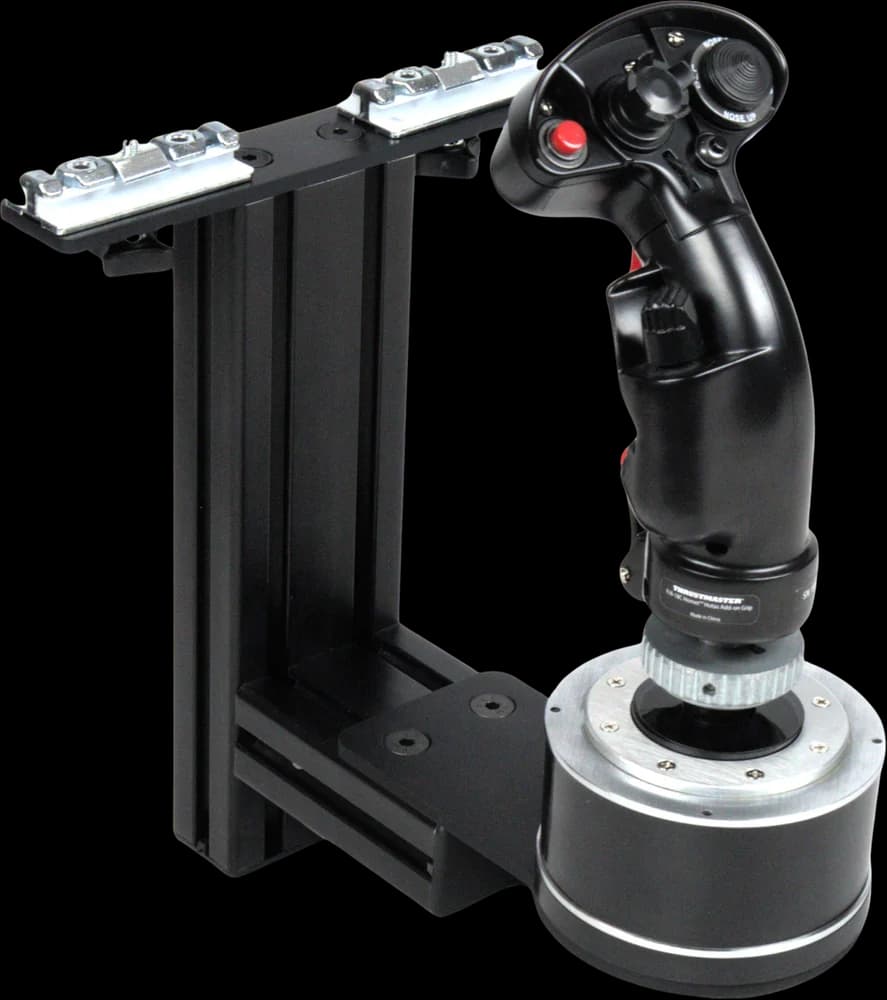 MonsterTech ↗Joystick Rail Mount ×2 (Gunfighter plates)
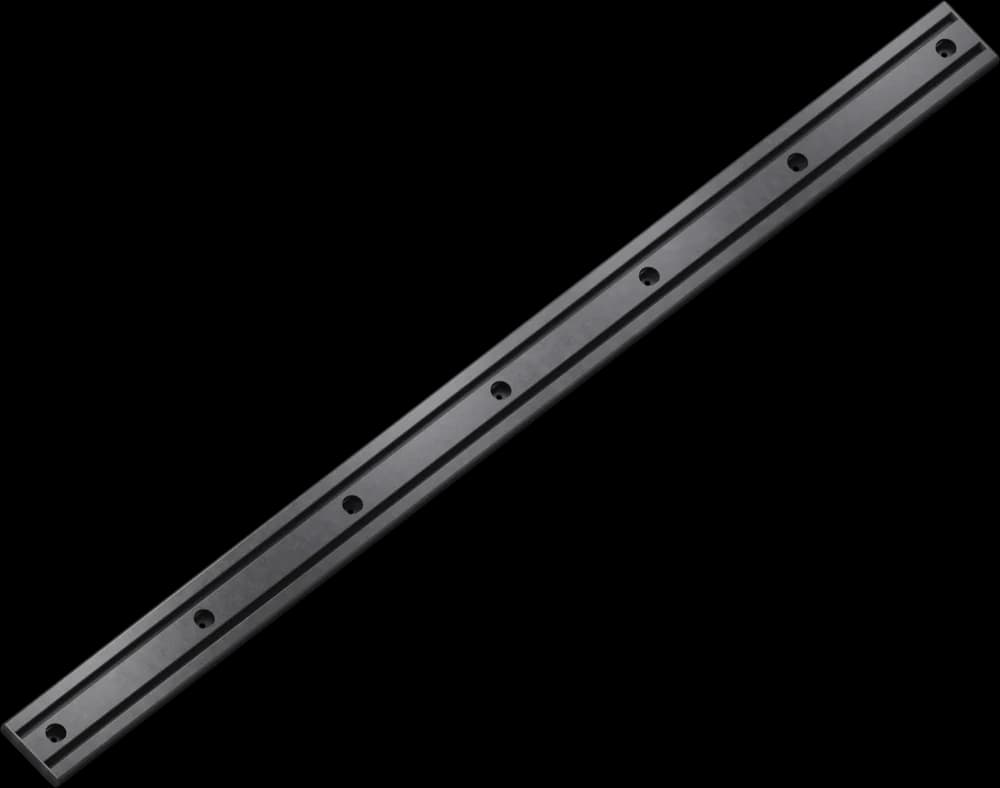 MonsterTech ↗Slide Rail, 116 cm
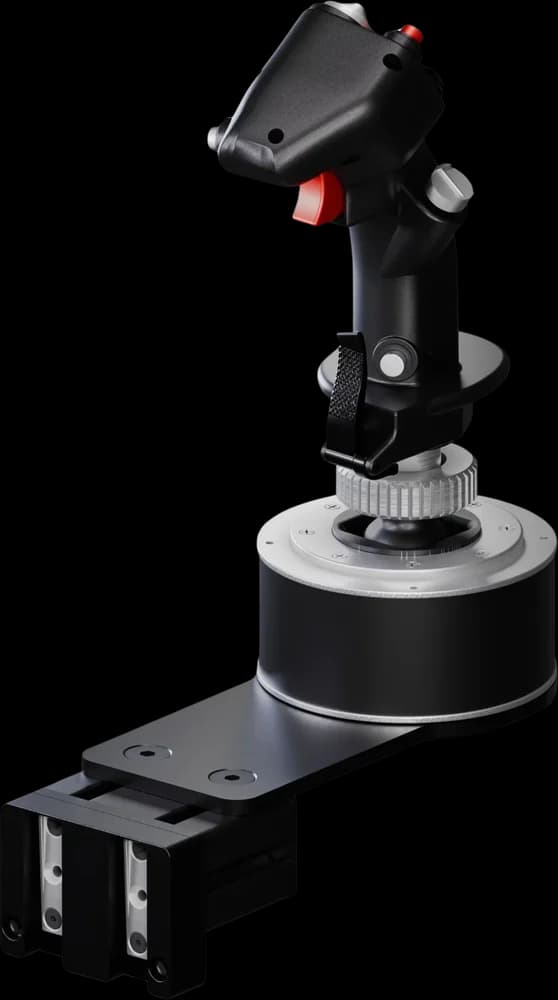 MonsterTech ↗Joystick Quick Change ×8 (back wall)
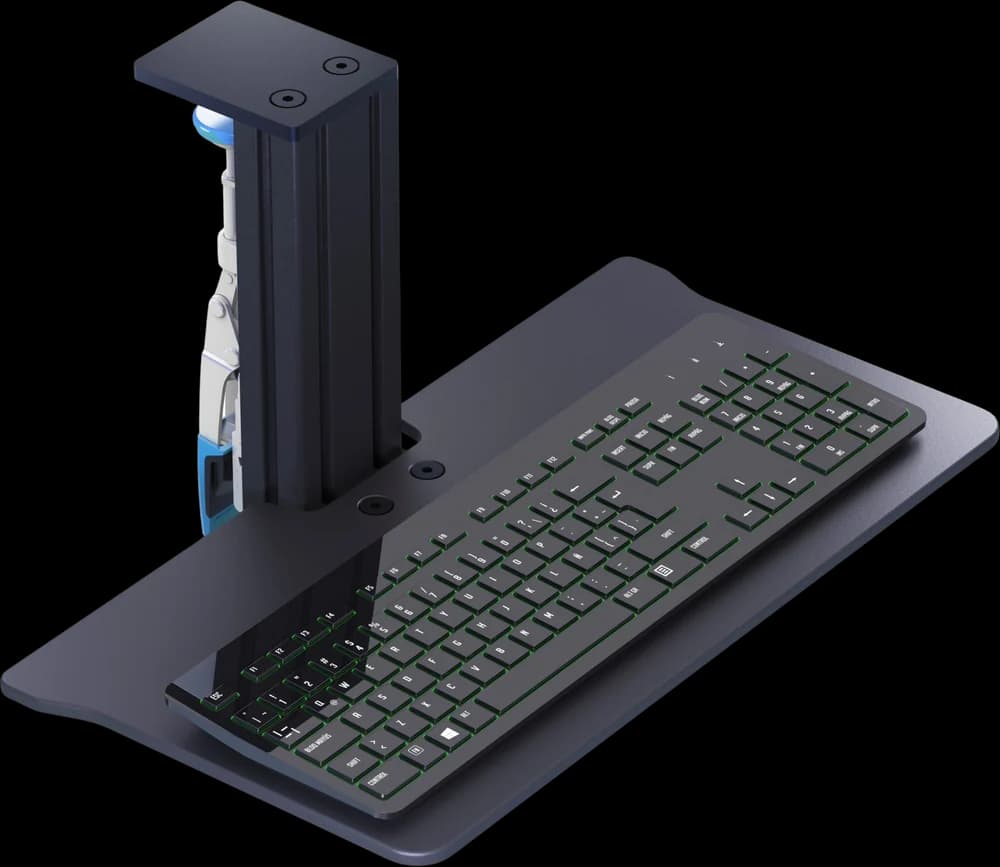 MonsterTech ↗Keyboard Desk Mount
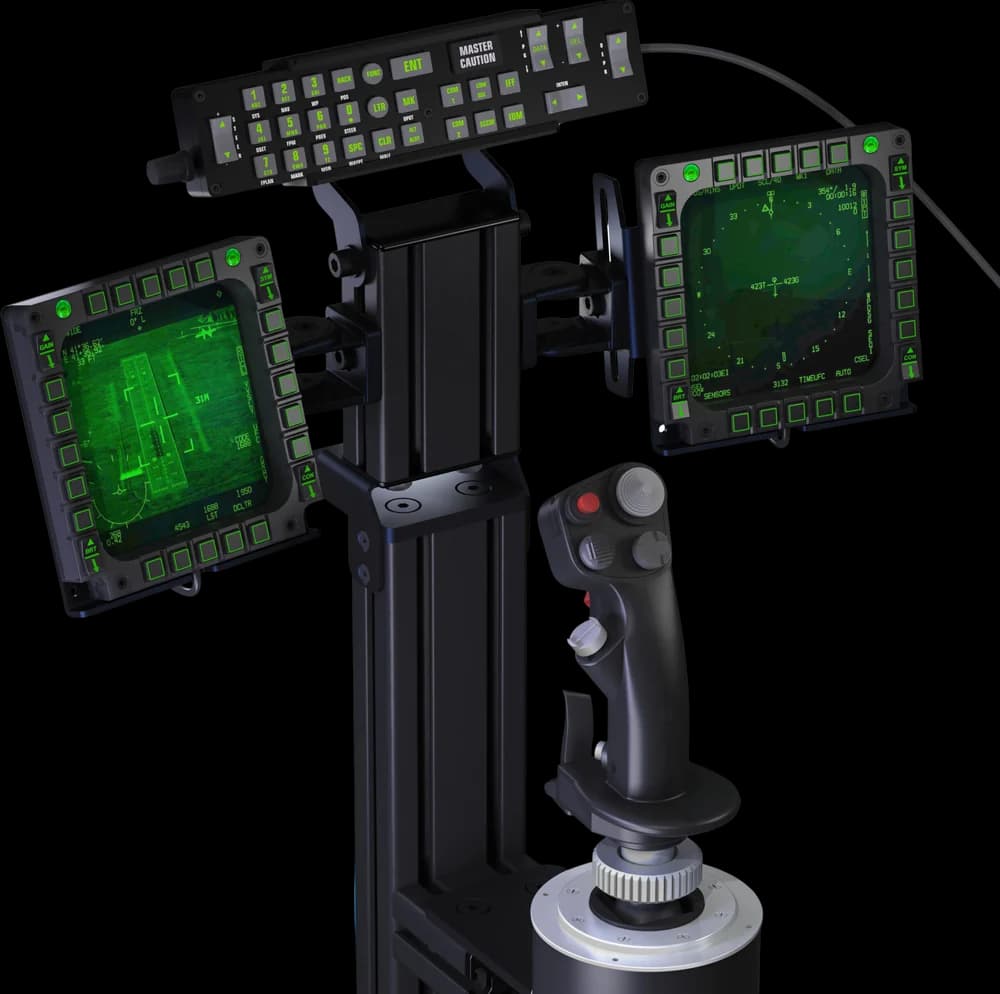 MonsterTech ↗Instrument Carrier (3 MFD panels)
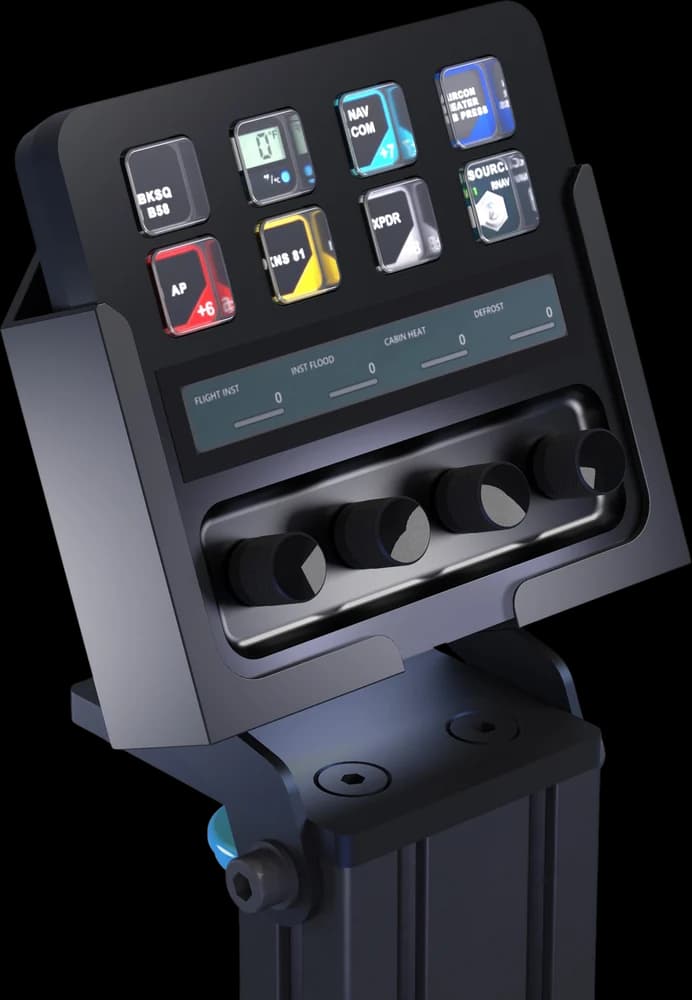 MonsterTech ↗Elgato Stream Deck Holder
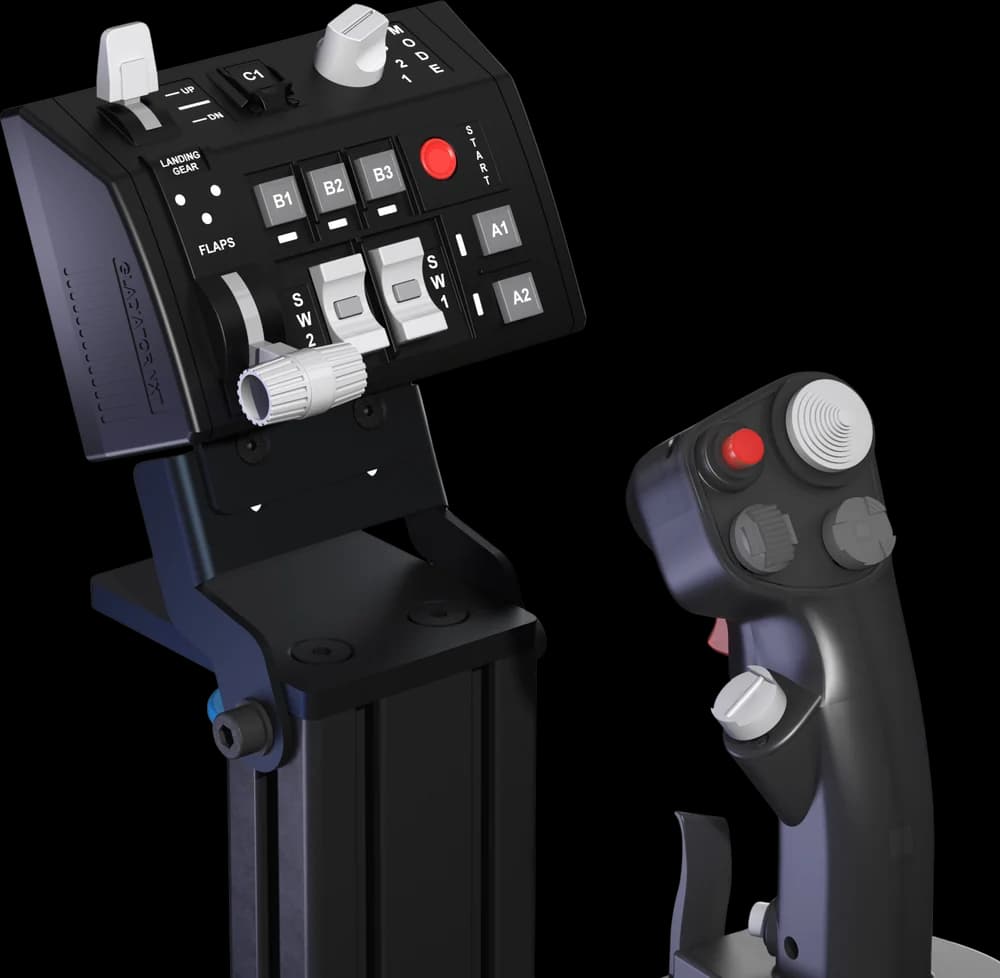 MonsterTech ↗VKB Panel Holder ×2
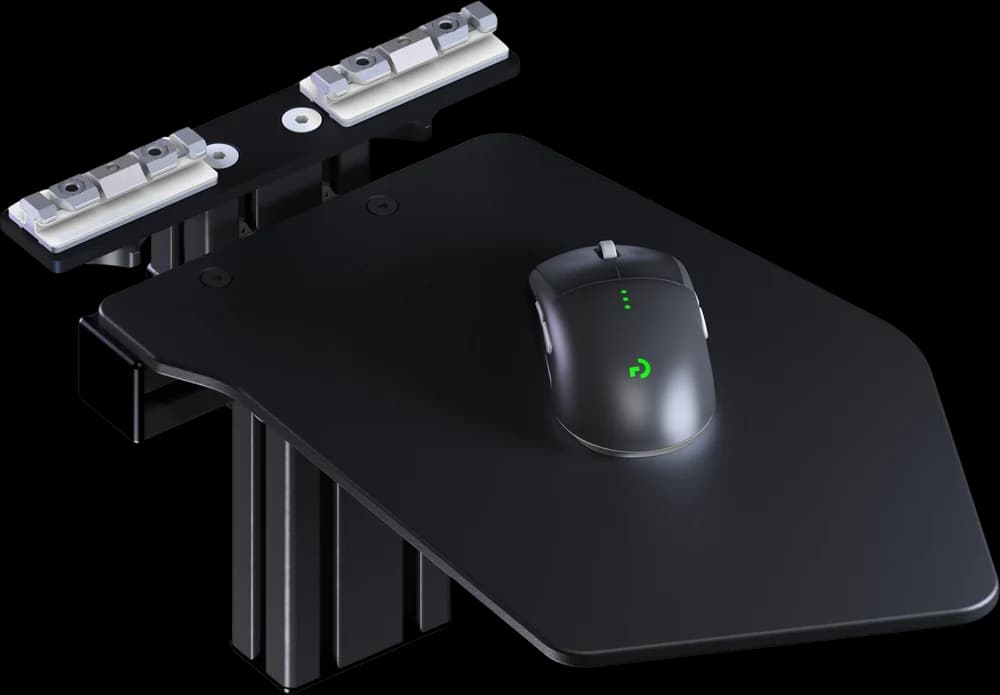 MonsterTech ↗Mouse Rail Mount
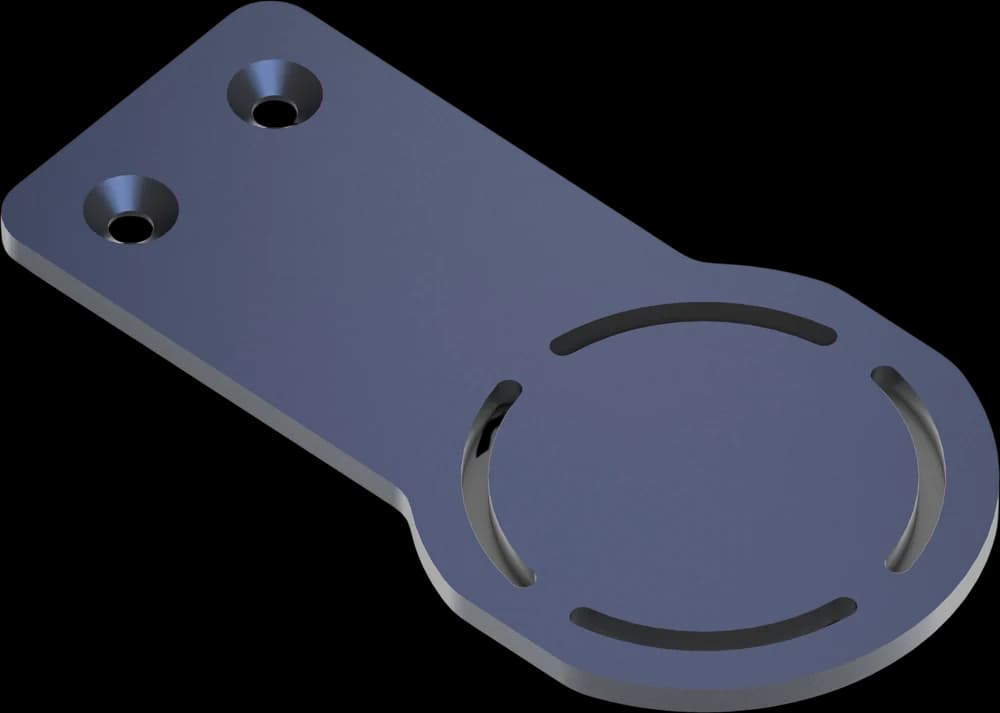 MonsterTech ↗Mounting plates for every stick
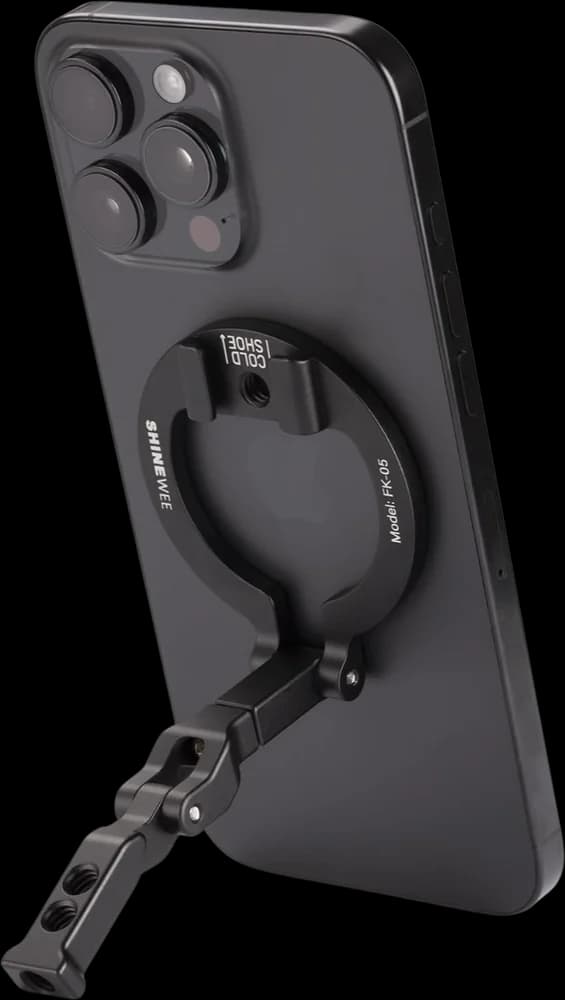 amazon ↗MagSafe phone mount (middle MFD)
Virtual Reality
The headset I fly Star Citizen in.
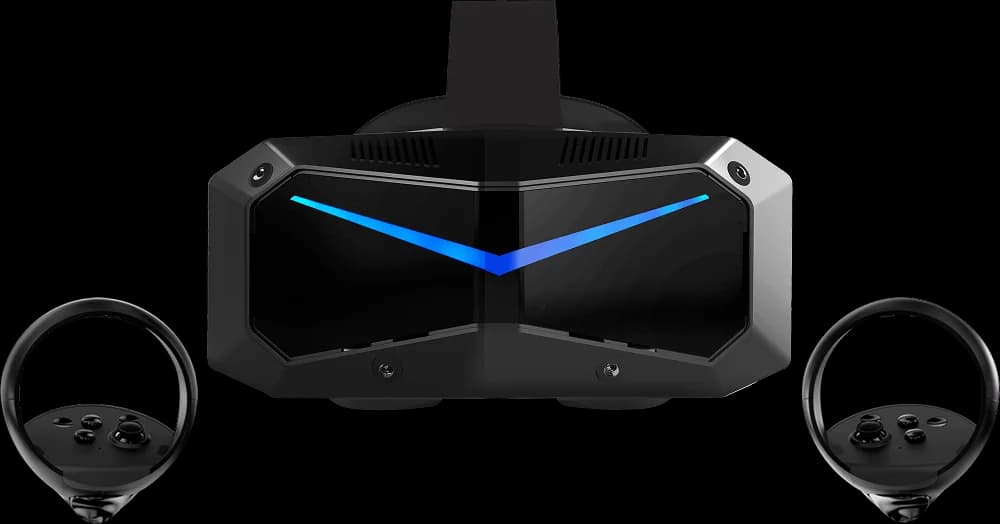
I played Squadron 42 on a Steam Frame in Manchester. If you want games that run on your headset and you want to be able to play in your living room, the Steam Frame is a great fit. But you're paying for its Snapdragon chip, RAM and storage. Star Citizen, Squadron 42, and space, flight and racing sims can't take advantage of any of them. If you'll be sitting in a sim pit or at your desk, I'd implore you to do your due diligence and consider Pimax or the Bigscreen Beyond. Star Citizen and Squadron 42's high fidelity deserves the best image quality.

Crystal Super
Full disclosure: Pimax is a channel partner. Bigscreen isn't.
The Hardware
Both PCs, the streaming gear, and everything else on the desk.
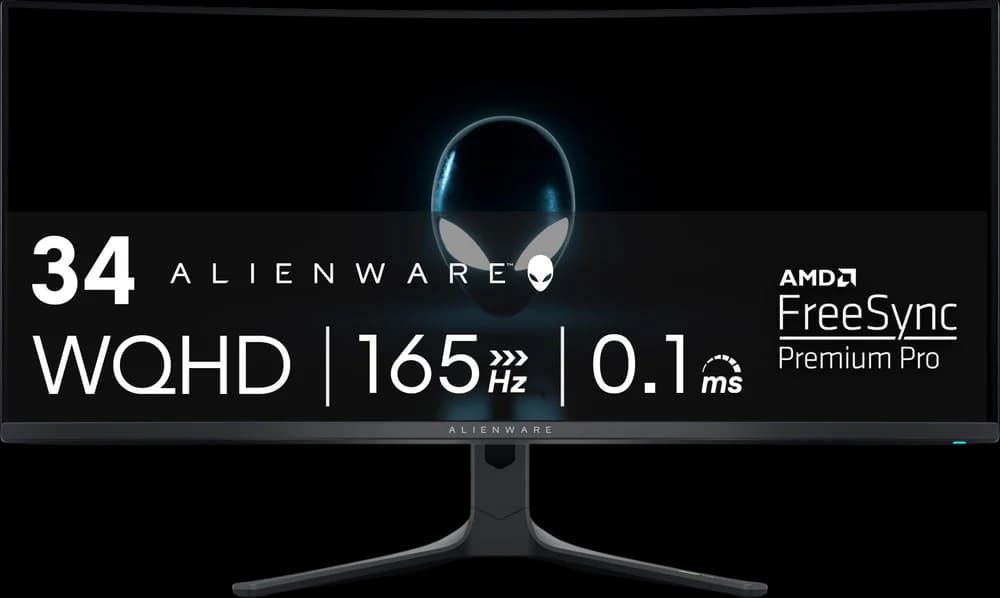 amazon ↗Alienware AW3423DWF
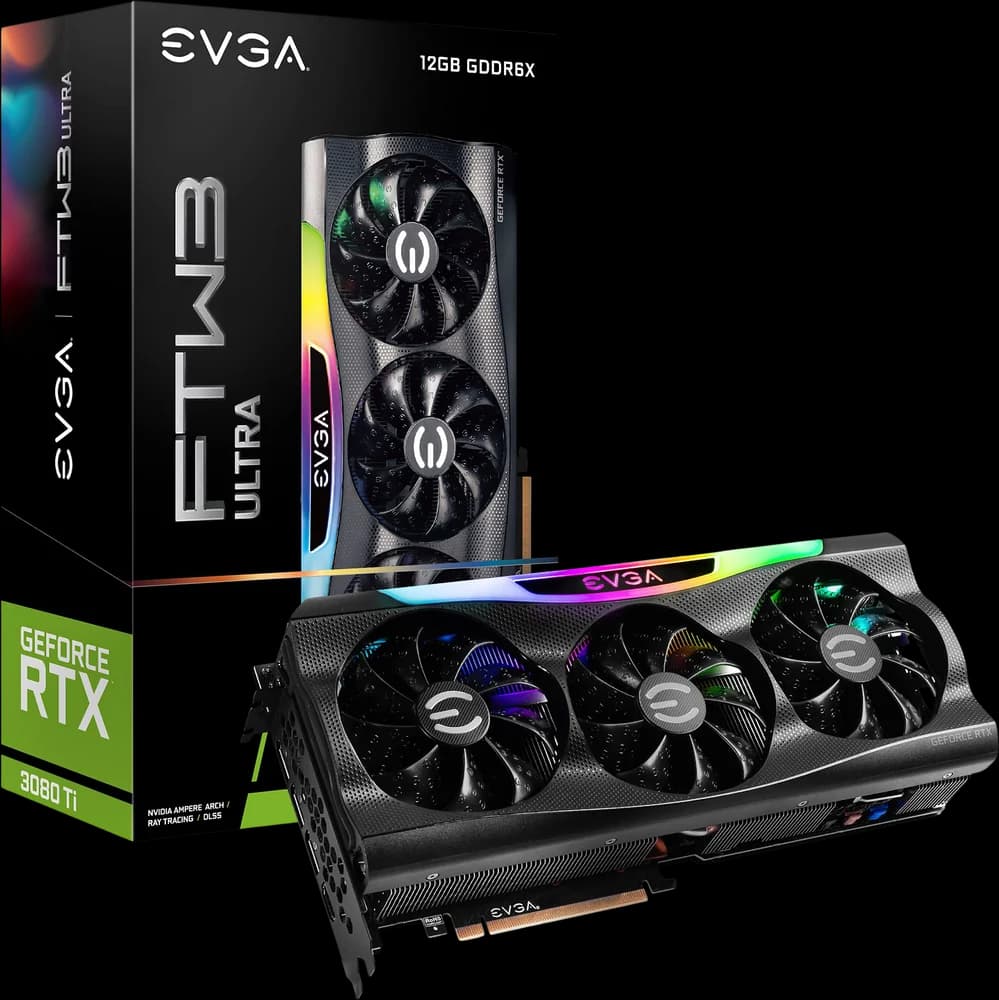 amazon ↗EVGA RTX 3080 Ti FTW3 Ultra
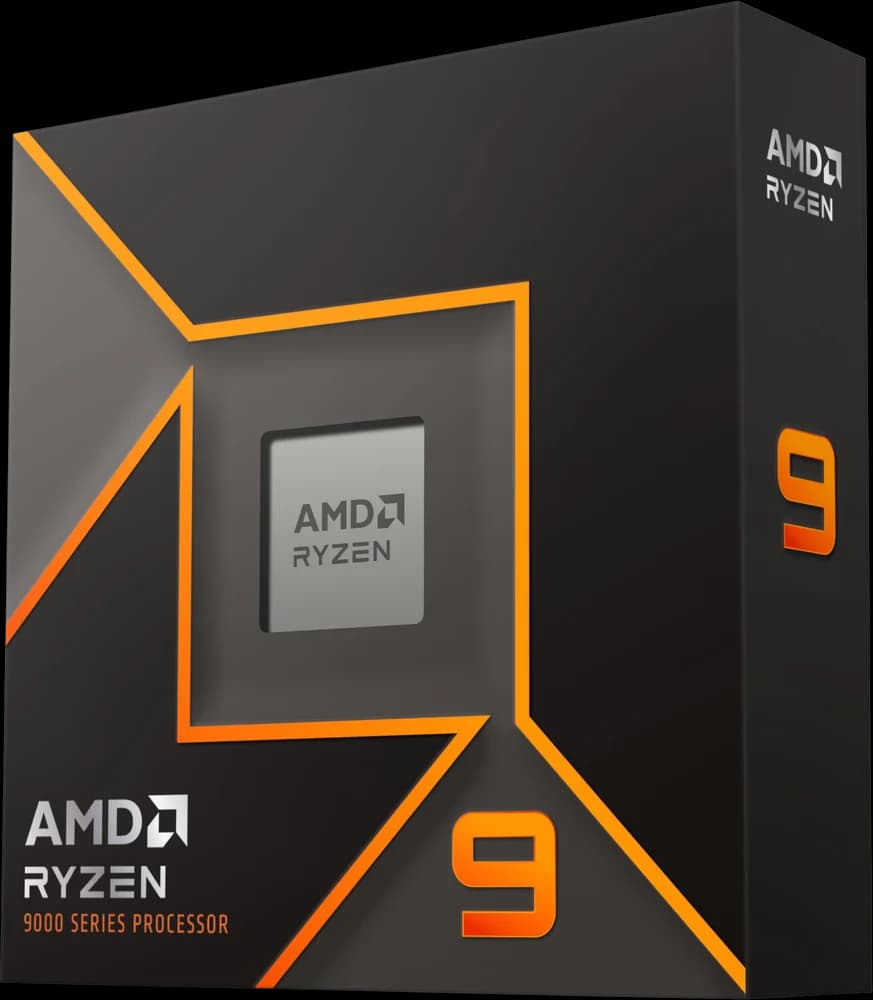 amazon ↗AMD Ryzen 9 9900X
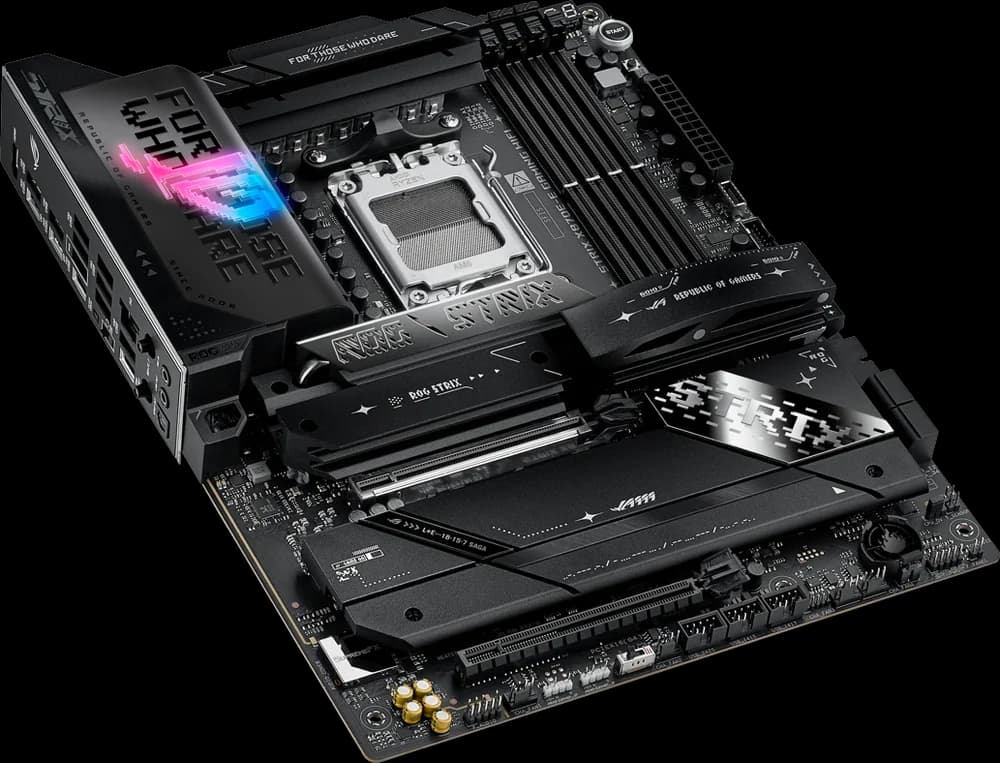 amazon ↗ASUS ROG Strix X870E-E Gaming WiFi
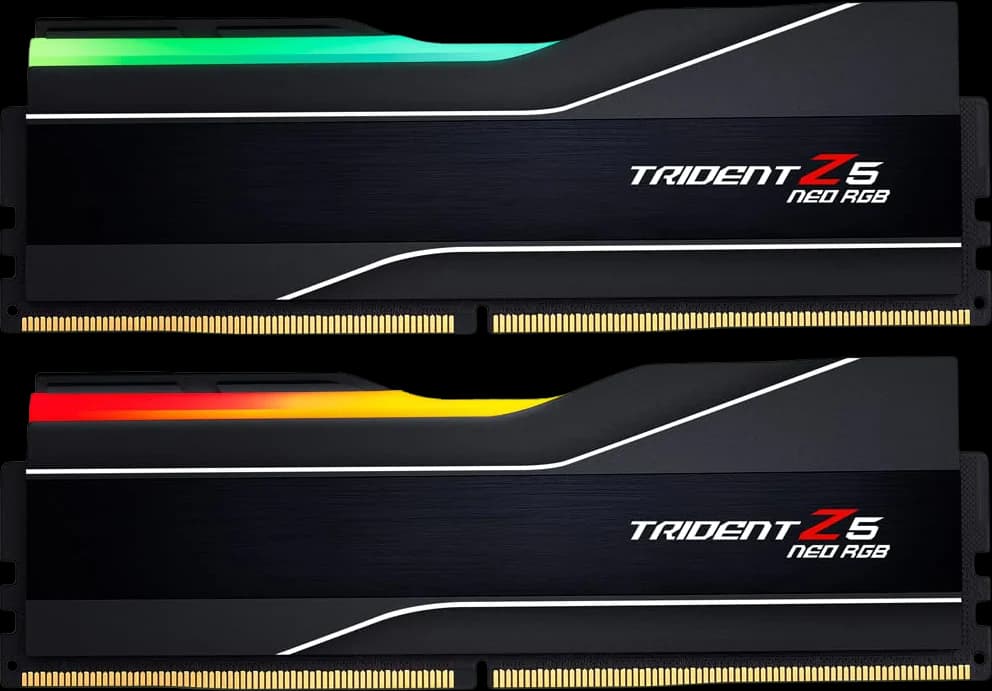 amazon ↗G.Skill Trident Z5 Neo RGB 64GB DDR5-6000
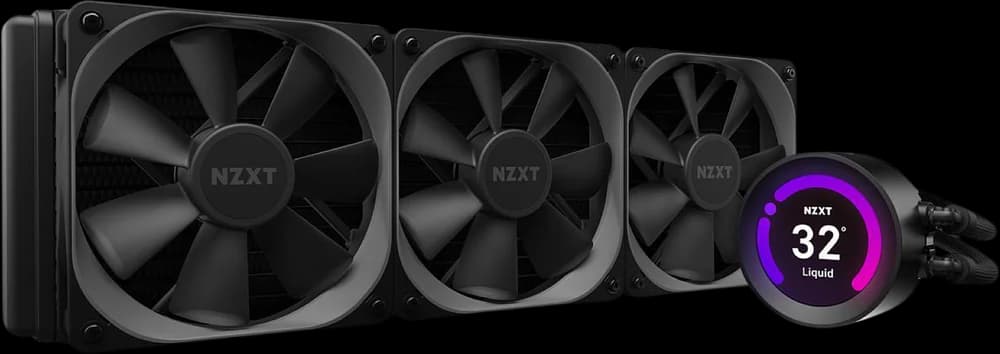 amazon ↗NZXT Kraken Z73
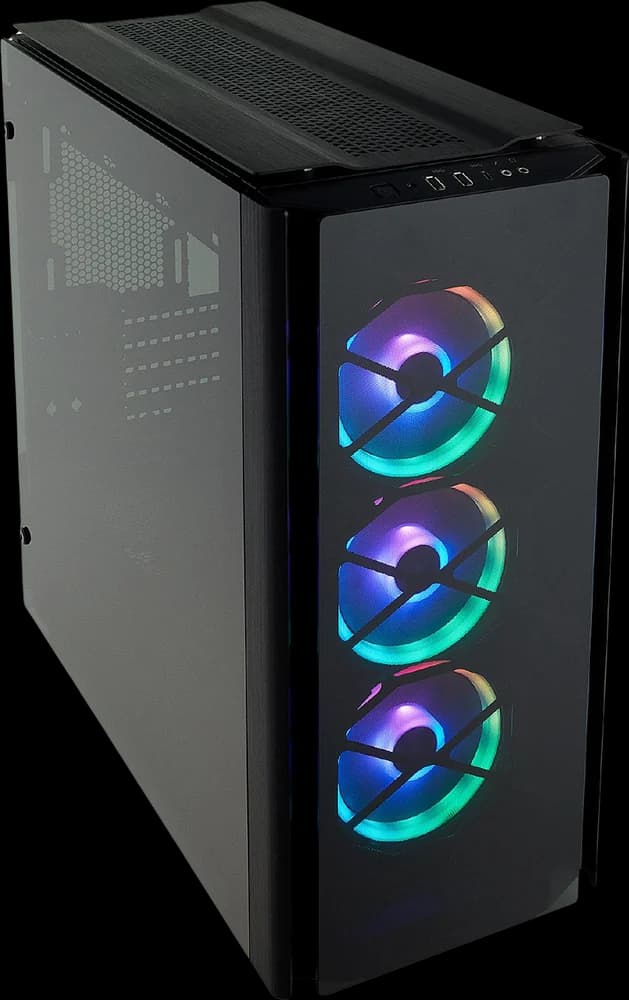
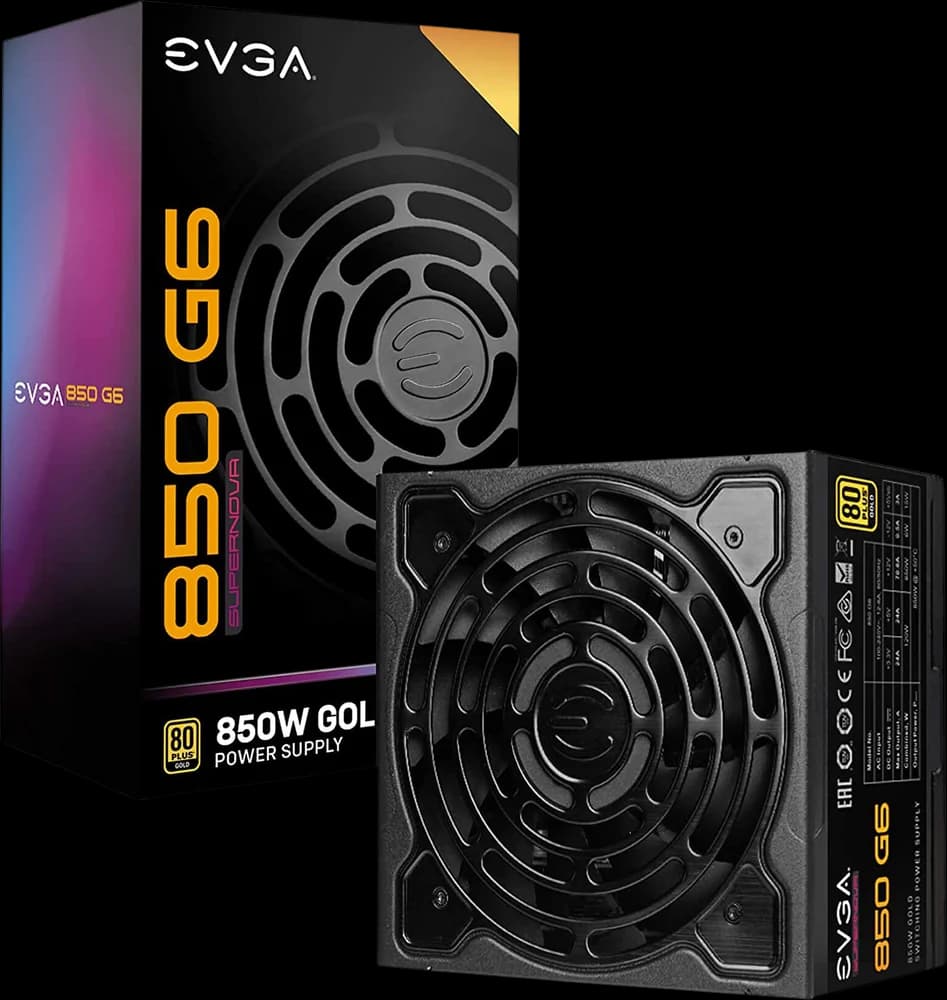 amazon ↗EVGA SuperNOVA 850 G6
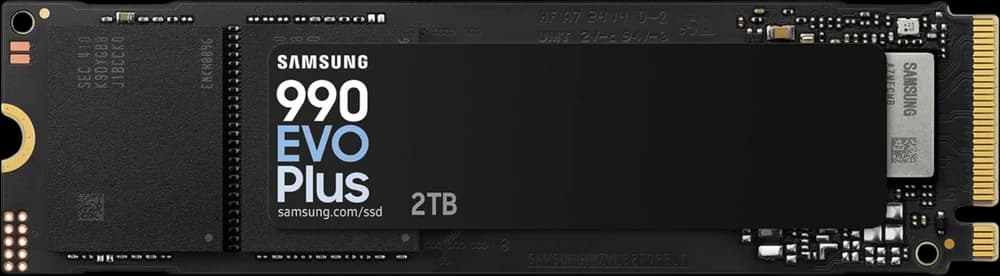 amazon ↗Samsung 990 EVO Plus 2TB
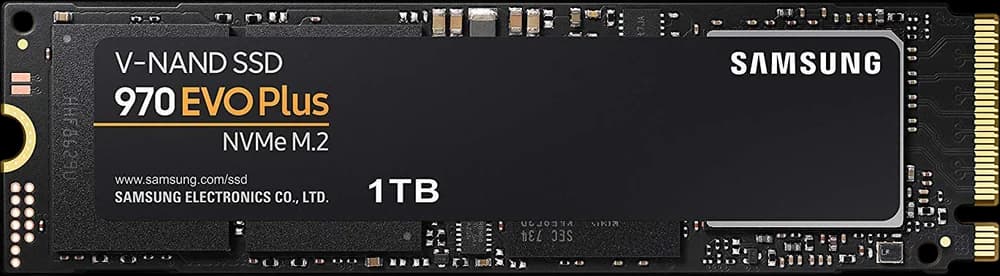 amazon ↗Samsung 970 EVO Plus 1TB
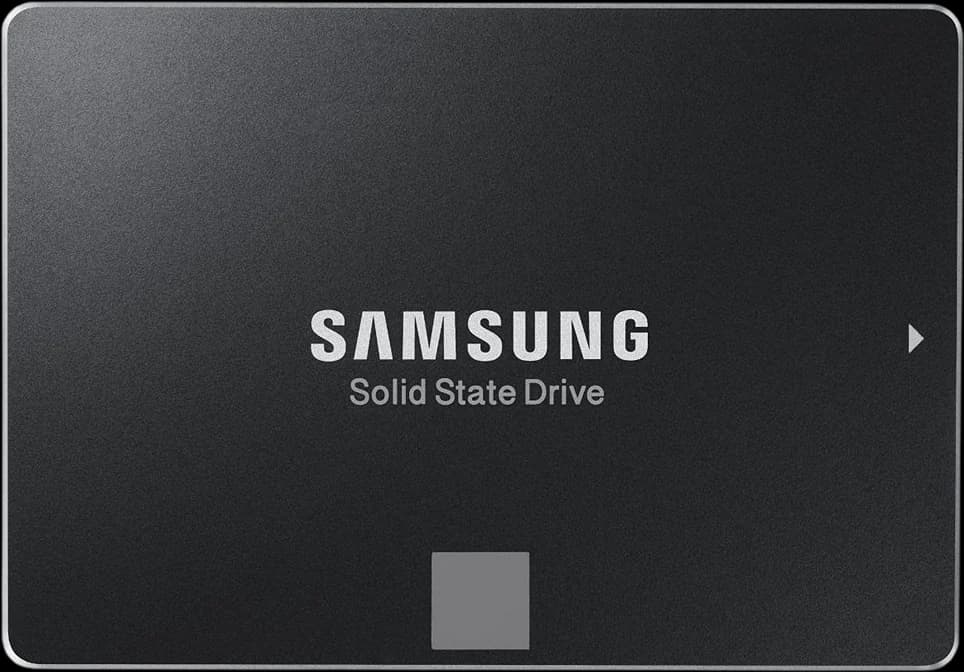 amazon ↗Samsung 850 EVO 500GB
Tiles marked with the Amazon smile open Amazon. As an Amazon Associate I earn from qualifying purchases. The Corsair buttons are affiliate links too: I earn a commission on purchases made at corsair.com.